The Tesco Pay+ app closed on Monday, 27 February.
The payment app was different to Tesco Bank Clubcard Pay+ debit card or the Clubcard Plus subscription, which are still available.
Tesco Pay+ app makes paying for your shopping far easier with the added bonus of collecting your Clubcard points at the same time.
Earn a bit of extra money in your spare time with surveys, offers and other simple tasks you can do at home.
New users can currently get a bonus when they sign up.
Claim sign-up bonus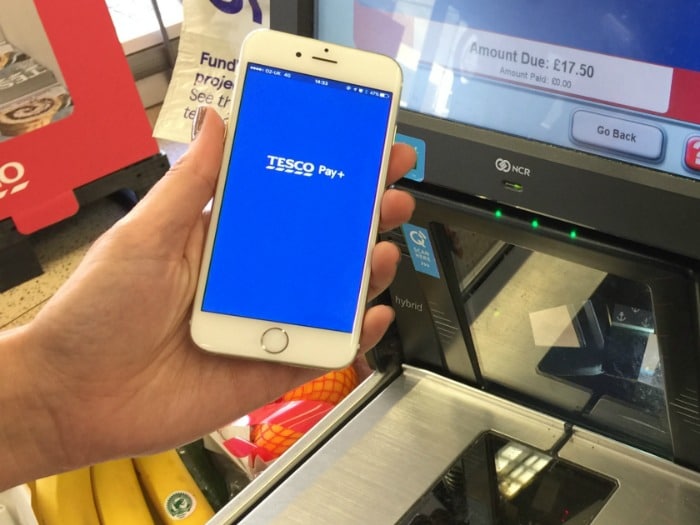
During the school run, I don’t usually bother taking my wallet out with me. I mean, what’s the point? I’m going to school, picking up the little one, then heading home. I won’t need it…famous last words!
It’s the days when I leave my wallet on the side that Naomi will send me a text. Either something like we’re low on milk, or that our older one has food technology the next day and forgot to tell us (again).
I then need to take a trip to the supermarket, but not before I’ve been home, picked up some cash and gone back out again. There are many times in life where I have patience, but this is one of the times where it’s lacking.
However, the Tesco Pay+ app takes away all these stresses. Even without my wallet, I will always have my phone on me. My phone is just another part of my arm, and I run a large part of my work and personal life from it.
This is why I love the Tesco Pay+ app and how easy it makes shopping.
Tesco Pay+ app
Tesco Pay+ is a super simple and easy way to pay for your shop at Tesco.
The app is available on both the App Store and on Google Play. Log in to your Tesco account (your Clubcard details will be added automatically), then once you’ve added your payment card details you’re all ready to go shopping, leaving your cash at home.
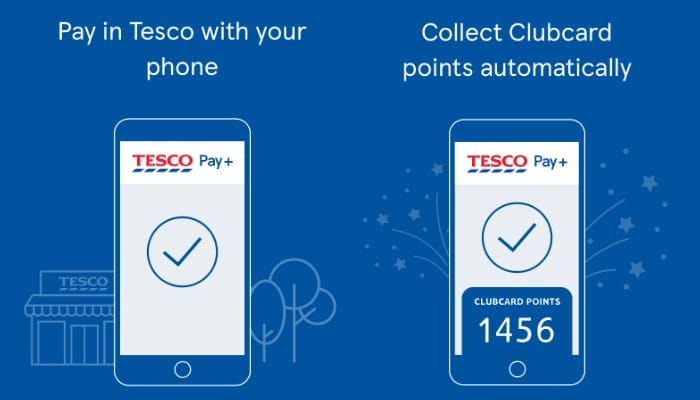
Your bank details are not stored on the phone or app and just like paying for your shopping normally with your payment card, you use a security PIN (or your Touch ID) so no one else can access it.
Previously known as Tesco PayQwiq, the app has re-launched with a new name, look and feel, but all the same benefits.
Forget the £30 contactless limit
We are all so used to contactless now (it was first used in 2007 (can you believe it?!)) and payments made via contactless are going up and up each year.
However, no matter how great contactless is, there is the stopper that is the £30 limit.
It may seem easy to balance a child on your chip, while holding a bag in the other hand and swiping your card past the reader, but when you spend a penny over the £30 limit it all changes. You then need to readjust, insert the card and tap in your PIN code (if you can remember it!!). Plus, you can’t forget to pull your Clubcard out of your purse as well!
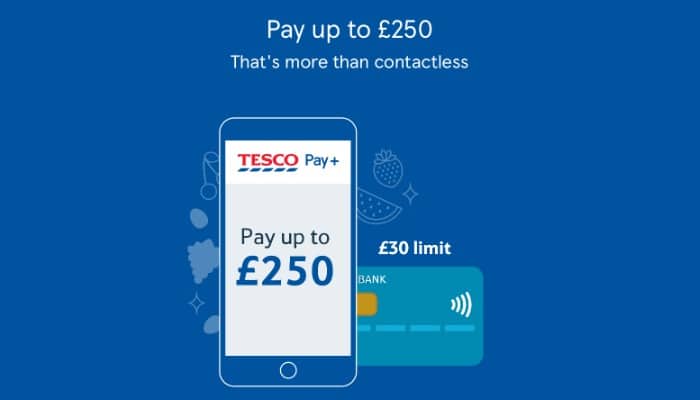
For Tesco Pay+ this isn’t an issue. The payment cap of £30 isn’t there.
So while you could use it to grab a loaf of bread and a few pints of milk during a top up shop, you can use it to pay at the kiosk after you’ve filled your tank with fuel or even do a bulky food shop without the usual contactless limit. Instead, you’re able to shop up to £250 in one transaction.
Forget your Clubcard
Then there’s the issue of remembering the all important loyalty card.
For some unknown reason, we only have one Clubcard in our house. We just never got around to ordering an extra key fob.
It’s not usually a problem as most of the time we shop together. Naomi keeps all the loyalty cards in her purse and we don’t miss out (she’s like a hawk collecting points and will hold a queue up until she finds the right card!)
However, when it comes to me popping to Tesco to pick up a few bits, I can kick myself when a Tesco member of staff politely prompts me for my Clubcard.
With Tesco Pay+ this will never happen again. We can both have the app on our phones and we now collect points together without the hassle of remembering to grab the only Clubcard in the house.
Forget how much you spent?
If you are really conscious about your food budget and need to keep track on things tightly, then Tesco Pay+ can help.
You’re able to track all your spending in Tesco via the app and can then work back how often you shop and how much you spend.
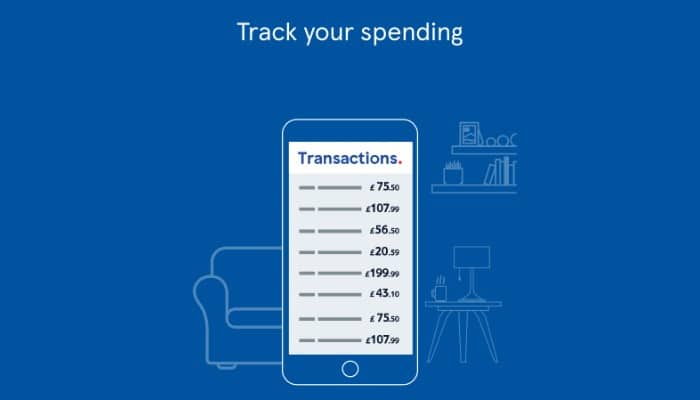
This will be helpful to then see what your actual spend is on food (and fuel) each week to see if you’re got any wiggle room in your budget.
How do you use the Tesco Pay+ app?
It’s so easy to use the app.
Sign in with your Tesco details (or open a new account in the app) and add your payment card, head to Tesco and pick up what you need from the shelves or fill up your car with fuel.
When it comes to paying, simply unlock the app, then wave your phone in front of the barcode reader.
With a beep then a bish, bash, bosh – it’s done!
Grab your receipt then head home.
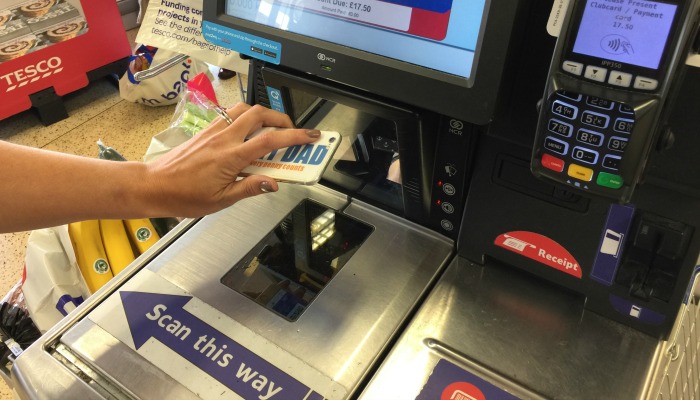
Where can you use the Tesco Pay+ app?
You can use Tesco Pay+ in all Tesco stores and Tesco petrol stations.
Whether it’s during your normal weekly shop or just a top up, you’re not limited by the usual £30 contactless limit and can spend up to £250 in one transaction.
You’re able to use it at self service and manned tills in superstores or in Express stores to pick up any essentials and you’re also able to use the app at Tesco Petrol Filling Station kiosks to buy fuel or any bits and pieces you need from the store.
So what are you waiting for?
Download Tesco Pay+ and make paying for your shopping that much easier.
Want to collect extra points? Check out this Tesco Pay+ special offer to collect more Clubcard points.
Written in collaboration with Tesco Bank